
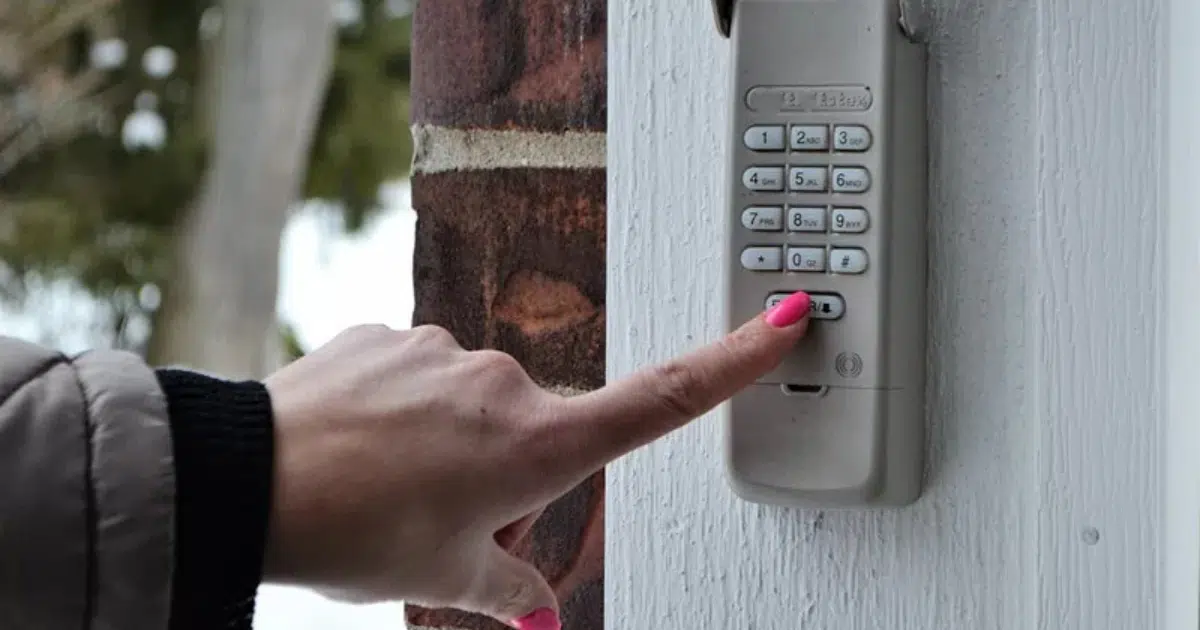
Resetting a LiftMaster garage door opener keypad takes just a few steps, and the right method depends on whether the current PIN is known, forgotten, or the keypad needs a full factory reset. Each situation has a specific sequence that must be followed correctly to restore access without causing further programming issues.
A residential garage door keypad that stops responding may indicate lost programming, a drained battery, or a disrupted connection to the motor unit. This guide covers all three reset methods in full detail so the correct fix is applied the first time and the keypad is back in service without unnecessary trial and error.
Why a LiftMaster Keypad May Need a Reset
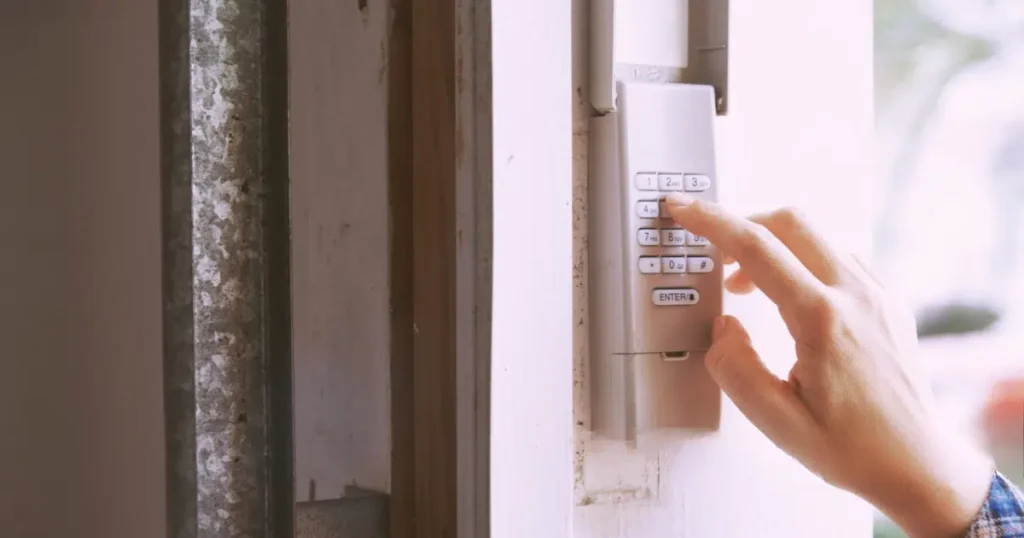
A LiftMaster keypad losing its programming is more common than most people expect, and the cause is almost always one of a few recurring issues affecting power, access security, or the connection to the opener.
Common reasons a LiftMaster keypad may need a reset include:
- Power surges or outages can wipe the stored PIN and leave the keypad unresponsive.
- A forgotten or compromised PIN requires a reset to restore controlled access.
- Signal interference or firmware updates can cause the keypad to become out of sync with the opener.
- New homeowners should reset the keypad to clear all previously programmed codes.
- Fresh batteries can sometimes erase stored programming, requiring a reset.
To understand how a fully functional keypad fits into a broader garage upgrade, read our guide on Why Black Garage Doors on a White House Are Trending, which covers every factor homeowners consider before making exterior and system changes.
When to Reset a LiftMaster Keypad
Knowing when a reset is needed prevents access issues and security gaps from developing into bigger problems down the line.
Common situations that call for a LiftMaster keypad reset include:
- Unauthorized access or a security concern requires an immediate reset.
- A keypad rejecting a known correct PIN has likely lost its programming.
- A new opener unit requires a full keypad reset before it will work.
- Adding a new household PIN works best after clearing the existing code.
- Prolonged inactivity can cause the stored PIN to be cleared entirely.
Addressing these situations promptly keeps the garage door system secure and prevents access issues from worsening over time.
What to Prepare Before Resetting a LiftMaster Keypad
Having the right materials ready before starting prevents errors and keeps the reset process moving without unnecessary interruptions.
Key items to prepare before resetting a LiftMaster keypad include:
- The current PIN simplifies the reset without requiring access to the motor unit.
- Fresh batteries ensure the keypad has enough power to complete the process.
- Clear access to the motor unit is required for the Learn button reset methods.
- The model number confirms the correct reset sequence for the specific unit.
- A step ladder helps reach the Learn button on ceiling-mounted motor units.
Walking into the reset fully prepared eliminates the most common causes of a failed first attempt and keeps the entire process on track from start to finish.
How to Reset a LiftMaster Garage Door Opener Keypad
Method 1: Changing the PIN When the Current Code Is Known
Changing the PIN directly from the keypad is the fastest reset option and requires no ladder or access to the motor unit.
Steps to change the PIN when the current code is known:
- Enter the current 4-digit PIN to signal the keypad that a change is being initiated.
- Press and hold # until the opener or keypad flashes twice, confirming program mode.
- Enter the new 4-digit PIN clearly and without hesitation.
- Press and hold Enter until the opener lights flash once or an audible click is heard.
One flash or audible click confirms that the new PIN has been saved, programmed, and is ready for immediate use.
Method 2: Resetting Without the Current Code Using the Learn Button
Pressing the Learn button on the motor unit opens a 30-second pairing window that allows a new PIN to be set directly from the keypad.
Steps to reset without the current code using the Learn button:
- Locate the colored Learn button on the back or side panel of the motor unit.
- Press and release once until the indicator light glows steadily. MyQ units require two presses.
- Move to the outdoor keypad within 30 seconds before the pairing window closes.
- Enter the new PIN and hold Enter until the opener lights blink or you hear two clicks.
To keep the full garage door system working properly with a reset keypad, read our guide on How To Adjust Garage Door: Easy Steps (Guide), which covers the key adjustments that keep the opener and door operating in sync.
Method 3: Factory Resetting the Keypad
A factory reset clears all saved memory and codes and works best for older or universal models, including Clicker keypads.
Steps to complete a factory reset on a LiftMaster keypad:
- Press and hold both * and # until the keypad lights stop flashing and stay solid.
- Enter a new 4-digit code and press # to save it to memory.
- Press the number matching the opener type, followed by #. Most LiftMaster units use the number 2.
- Press the Learn button on the motor unit, then return to the keypad within 30 seconds.
- Re-enter the new 4-digit code and press 0 to complete the pairing.
An unpaired keypad after completing all five steps often signals an underlying issue that requires professional garage door repair.
How to Tell If a LiftMaster Keypad Was Reset Correctly
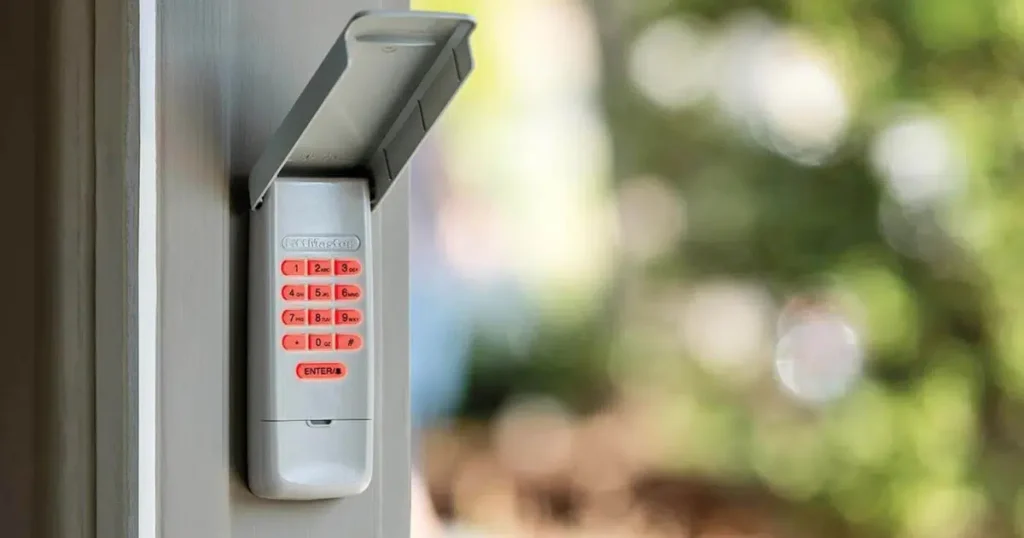
A few quick checks right after the reset confirm whether the new PIN is fully programmed and the keypad is ready for regular use.
Clear signs that a LiftMaster keypad was reset correctly include:
- The opener lights blink, or a click is heard immediately after entering the new PIN.
- The new PIN works on the first attempt without hesitation or error.
- The old PIN no longer triggers any response from the opener.
- No error lights appear on the motor unit after the reset.
- The door responds consistently across multiple PIN entries.
Running through all five checks right after the reset confirms the keypad is fully functional and ready for daily use.
What to Do After Resetting a LiftMaster Keypad
Completing the reset is only the first step, and a few follow-up actions keep the garage door system organized and accessible for everyone who needs it.
Important steps to take after resetting a LiftMaster keypad include:
- Test the new PIN several times to confirm that the reset holds consistently.
- Share the new code with all household members who need regular access to the garage.
- Store the new PIN in a secure location to avoid repeating the reset process.
- Reprogram any temporary codes that were wiped during the reset.
- Schedule a professional check if the keypad continues to behave unexpectedly.
Taking these steps right after the reset keeps the entire garage door system running without access interruptions or security gaps.
Steps to Take When a LiftMaster Keypad Reset Keeps Failing
A keypad that fails after multiple reset attempts usually has an underlying cause that the reset process alone cannot fix.
Common checks to run when a LiftMaster keypad reset keeps failing include:
- Weak batteries are the most overlooked cause of a failed reset and should be replaced first.
- Verify the correct sequence of Learn buttons for the specific LiftMaster model being used.
- Inspect keypad wiring for visible corrosion, fraying, or loose connections.
- Move closer to the motor unit to rule out signal interference during the pairing window.
- Contact a garage door professional when all checks have been completed without success.
To rule out a weak opener battery as the source of the problem, read our guide on How to Replace Battery in Garage Door Opener: A Simple Guide, which walks through the full replacement process step by step.
Reset the LiftMaster Keypad and Restore Full Garage Access Today
Every LiftMaster keypad reset method covered in this guide is designed to match a specific situation, from a simple PIN change to a full factory reset that clears all stored memory. Applying the right method from the start puts full control back where it belongs without unnecessary delays or repeated attempts.
All About Doors has helped countless homeowners in Glen Burnie, MD, restore full access to their garage doors through expert keypad programming and hands-on diagnostics. Our team is ready to handle any reset situation, so contact us or give us a call today and let us get the keypad working the way it should.
Frequently Asked Questions
Does resetting the keypad affect the garage door opener's memory?
Resetting the keypad using the PIN change method leaves the opener's memory intact and only updates the stored access code. A factory reset clears the keypad's memory entirely and requires a full reprogramming sequence to restore access.
How long does a LiftMaster keypad reset typically take?
A standard PIN change takes under two minutes when the current code is known and the keypad is responsive. A factory reset that involves the Learn button and motor unit pairing can take up to 5 minutes, depending on the model.
What happens if the Learn button is not pressed within the 30-second window?
The motor unit exits pairing mode automatically after 30 seconds, and the keypad will not complete the reset. Returning to the motor unit and pressing the Learn button again restarts the pairing window for another attempt.
Can resetting the keypad fix a keypad with physical button damage?
No, a reset addresses programming and pairing issues but cannot repair physical damage to the keypad buttons or wiring. A keypad with damaged components requires a hardware inspection or a garage door repair before normal access is restored.
Will resetting the keypad erase a temporary guest PIN?
Yes, any temporary guest PINs stored in the keypad are cleared during a reset and must be reprogrammed afterward. Homeowners wondering is a black garage door a good idea will find that pairing a new door upgrade with a full keypad reset is a practical way to refresh both the look and security of the garage at the same time.
Does a keypad reset work the same way across all LiftMaster models?
No, different LiftMaster models follow slightly different reset sequences, particularly when using the Learn button or completing a factory reset. Confirming the model number before starting ensures the correct steps are followed, especially during a broader upgrade that includes are black garage doors more expensive options for the home.
How does a modern black garage door affect home design during a keypad upgrade?
A new black garage door makes a bold statement on the home's exterior and pairs well with updated access hardware, such as a freshly programmed keypad. Black finishes and clean lines make the garage a natural focal point, leaving a lasting impression and enhancing the property's aesthetic appeal.
Are modern black garage doors more expensive than standard colors?
Yes, modern black garage doors can carry a slightly higher price point, but the curb appeal and home value they add often justify the investment for potential buyers. Black steel doors and black glass garage door options cost more than lighter colors due to specialty coatings and durable materials.
Do black garage doors with windows affect the garage space differently than solid panels?
Yes, black garage doors with windows allow natural light into the garage space while adding a contemporary look that complements the home's architecture and style preferences. The window frames and options available make it easy to balance light with the low maintenance appeal of black finishes.


