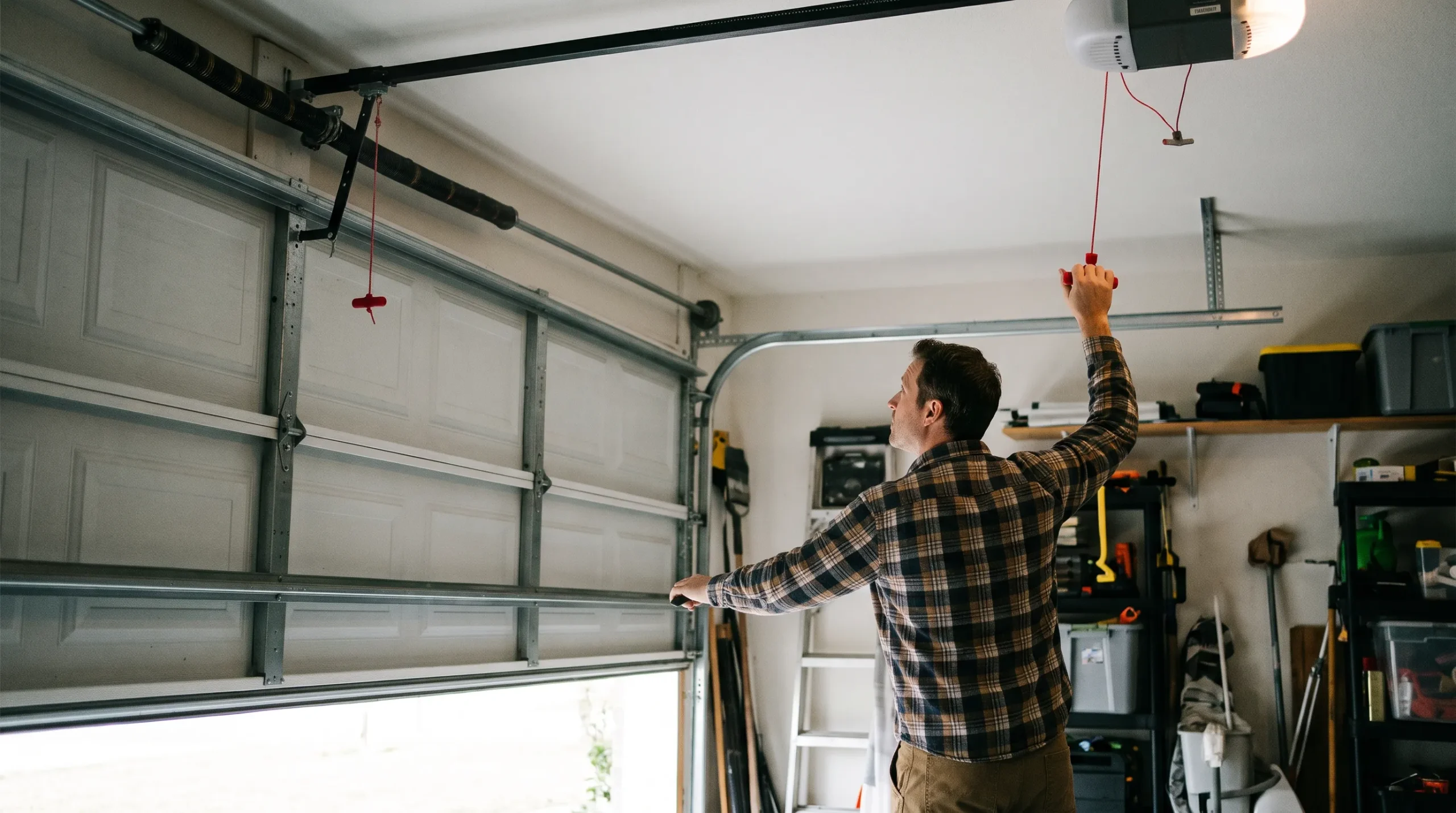
A beeping LiftMaster garage door opener is almost always signaling one of four things: a battery backup warning, misaligned safety sensors, a physical obstruction, or a programming alert. A consistent beep every 30 seconds usually points to the battery backup, while a pattern of about three beeps typically means an obstruction or sensor issue interrupted the door’s operation. Most causes resolve with a battery check, a sensor alignment, or clearing the door’s path, though persistent beeping after those checks is worth a professional look.
Key Takeaways
- A steady beep every few seconds or every 30 seconds usually means the battery backup is engaged or needs replacing.
- Rapid or repeated beeping often points to misaligned or obstructed safety sensors.
- A pattern of about three beeps typically signals an obstruction or a force-limit issue interrupting the door’s cycle.
- Brief beeps during setup or after a firmware update are usually just confirmation signals, not a problem.
- Replacing the backup battery every 1 to 2 years prevents most battery-related beeping before it starts.
- If beeping continues after checking the battery, sensors, and the door’s path, it’s time for a professional inspection.
LiftMaster Beep Patterns and What They Mean
Matching the timing and count of the beeps to a likely cause gets you to the right fix faster than guessing.
Matching the Sound to the Cause
| Beep Pattern | Likely Cause | Quick Fix |
| Consistent beep every few seconds or every 30 seconds | Battery backup engaged or depleted | Check and replace the backup battery |
| Rapid, repeated beeping | Misaligned or obstructed safety sensors | Realign sensors and clean the lenses |
| About three beeps during a cycle | Obstruction or force-limit issue | Clear the door’s path and check force settings |
| Brief beep during setup or after an update | Programming or firmware confirmation | No action needed unless paired with other symptoms |
Quick DIY vs. pro guide: Checking the battery, aligning sensors, and clearing obstructions are all fine to do yourself. Spring, cable, and force-setting adjustments beyond small tweaks should go to a licensed technician.
Decoding the Beeps: What Your LiftMaster Garage Door Opener Is Trying to Tell You
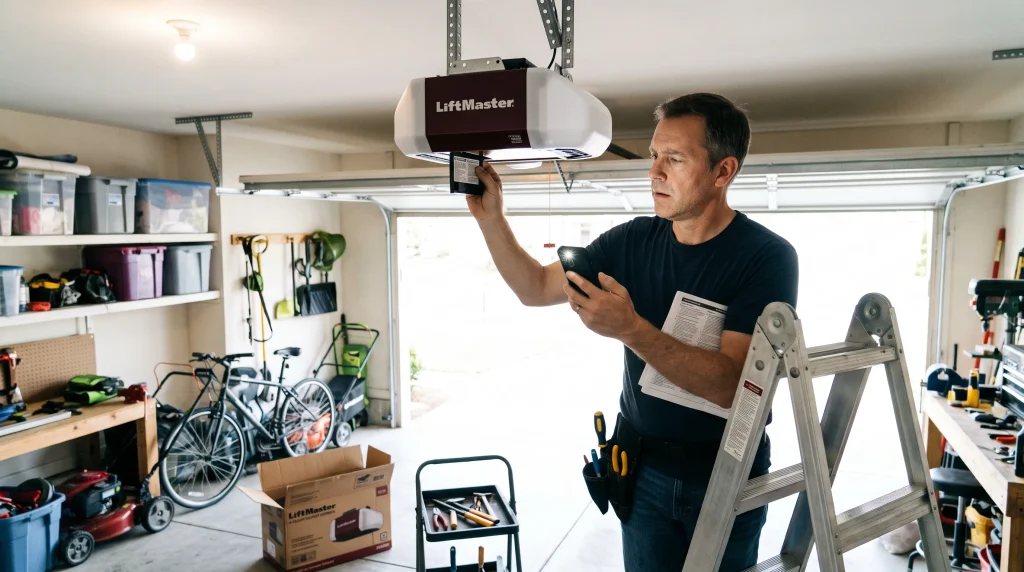
Your LiftMaster opener uses distinct beeping patterns to alert you to different conditions, and each one corresponds to something specific worth understanding.
What Each Beeping Pattern Is Actually Signaling
- Battery Backup Warning: A consistent beep every few seconds typically means the battery backup is engaged or needs replacing. This feature keeps the door working during power outages, and the opener beeps once the battery is depleted to prompt a replacement.
- Safety Sensor Misalignment: Rapid beeping may mean the sensors at the base of the door are misaligned or obstructed. These sensors prevent accidents by reversing the door if something is detected in its path, and the beeping alerts you to that safety risk.
- Obstruction or Overload: Beeping can occur if the door meets resistance or an obstruction during operation, whether from debris in the track or a mechanical issue that needs attention.
- Programming Alerts: Some beeps happen during setup or programming, confirming a successful connection or completed task rather than signaling a problem.
If you’re setting up or reprogramming your opener from scratch, our guide Your Complete Guide: How to Set Up Your Garage Door Opener covers the full process, including what beeps to expect along the way.
Identifying the Beeping Culprits: Common Reasons Your Liftmaster Garage Door Opener Makes Noise
Understanding the root cause behind the beeping makes troubleshooting faster and more targeted. Here are the most common culprits.
The Four Most Common Root Causes
- Battery Issues: A depleted or corroded backup battery can’t provide power reliably during outages, resulting in frequent beeping. Regular checks and timely replacement prevent this.
- Misaligned Safety Sensors: Something blocking the sensors, or the sensors themselves knocked out of position, triggers beeping. Keeping them clean and properly aligned avoids unnecessary interruptions.
- Physical Obstructions: Toys, tools, or debris on the door track cause resistance and a warning beep. Regularly inspecting and clearing the area prevents this.
- Technical Glitches: Software or firmware updates occasionally cause temporary beeping. Resetting or reprogramming the opener usually clears it.
Several of these causes trace back to a specific part of the system. Our guide Garage Door Opener Parts: Comprehensive Guide for Homeowners explains what each component does and how to tell which one is actually behind the noise.
Silencing the Beep: A Comprehensive Guide to Fixing Your Liftmaster Garage Door Opener
Working through these steps in order resolves the large majority of beeping issues without needing a technician.
The Four-Step Process to Stop the Beeping
- Check the Battery Backup System: Locate the battery compartment on the motor unit, check for corrosion or leakage, and replace it if it’s old. Confirm the opener is plugged into a working outlet, since a power interruption can also trigger backup beeping.
- Align the Safety Sensors: Confirm the sensors face each other and are free of obstructions, wipe the lenses clean with a soft cloth, and test the door’s operation afterward to confirm the beeping has stopped.
- Clear Physical Obstructions: Inspect the tracks and surrounding area for debris, and examine the springs and cables for wear or damage, contacting a professional if you suspect a mechanical problem.
- Reset and Reprogram the Opener: Unplug the opener for a minute to clear temporary glitches, then reprogram remotes and wall controls per the manufacturer’s instructions to make sure everything is synchronized.
Persistent beeping alongside a door that won’t close properly usually shares the same root cause. Our guide 5 Shocking Reasons Your LiftMaster Garage Door Won’t Close And How to Fix Them! covers that connection directly.
Preventative Measures: How to Keep Your Liftmaster Garage Door Opener Running Smoothly
Preventing future beeping comes down to a handful of consistent habits rather than any single fix.
Five Habits That Prevent Repeat Beeping
- Routine Maintenance: Regularly inspect the battery, sensors, and moving parts, keeping everything clean, aligned, and lubricated as recommended.
- Scheduled Inspections: Arrange periodic professional inspections to catch developing issues before they cause beeping or a bigger malfunction.
- Update the Firmware: Keep the opener’s firmware current for optimal performance and compatibility with new features or fixes.
- Clear Surrounding Area: Keep the garage free of clutter that could interfere with the door’s operation or sensor alignment.
- Educate Users: Make sure everyone who uses the door understands what the beeping signals mean and how to respond appropriately.
This same routine applies whether your opener is mounted overhead or to the side. Our guide Efficiency and Convenience: The Benefits of Having a Side-Mounted Garage Door Opener covers the maintenance side of that specific configuration.
Common Beep Patterns and What Each One Means
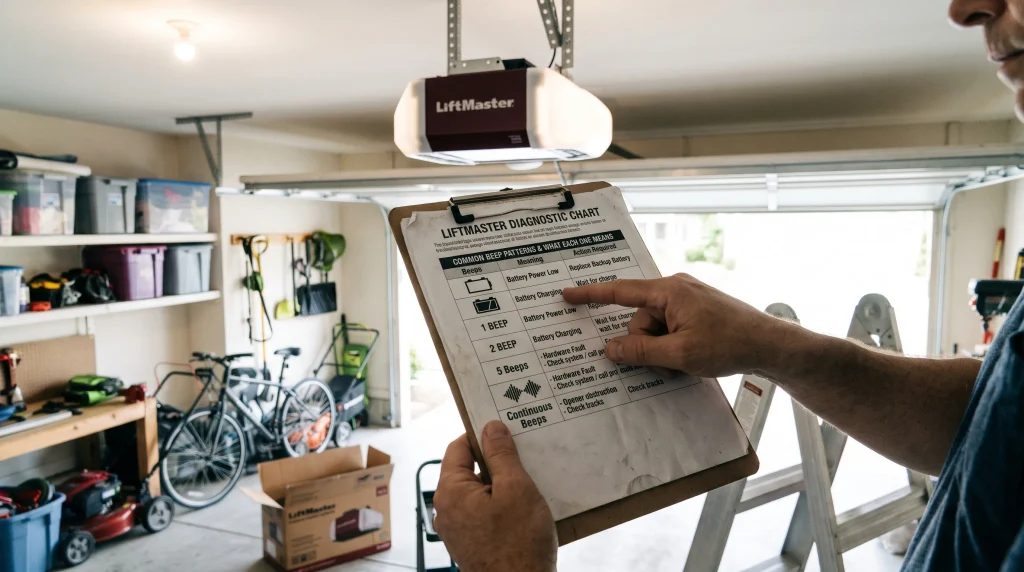
A few specific beep counts and timings come up often enough to call out on their own, beyond the general categories above.
Reading Specific Beep Counts and Timing
Beeping every 30 seconds almost always points to the battery backup rather than a mechanical issue, and replacing the battery typically resolves it right away. A pattern of roughly three beeps during a closing or opening cycle usually signals an obstruction or a force-limit problem interrupting the door partway through. Beeping combined with a blinking light is common too, since both are often the opener’s way of signaling the same underlying cause.
Our guide Stop the Blink! How to Handle Your LiftMaster Garage Door Light Blinking Continuously explains what the light pattern adds to the picture.
As Angi’s guide to inspecting and maintaining your garage door notes, a consistent inspection routine is one of the most reliable ways to catch a battery or sensor issue while it’s still a simple fix rather than a repeat nuisance.
When Beeping Means You Need Professional Repair
Most beeping resolves with the steps above, but a few situations call for a technician instead of continued troubleshooting.
Signs the Beeping Needs More Than a DIY Fix
If you’ve checked the battery, aligned the sensors, cleared the door’s path, and reset the system, and the beeping continues, the cause is likely something that needs diagnostic tools, like a control board issue or a wiring fault. Worn springs or cables discovered during your check also call for a professional rather than a DIY fix, given the tension involved.
Repair costs at this point vary by what’s actually wrong, and our guide Secrets to Reducing LiftMaster Garage Door Opener Costs Without Sacrificing Quality breaks down what different LiftMaster repairs typically run.
As Family Handyman’s guide to installing garage door openers points out, a reset and reprogram sequence is often the fastest way to rule out a simple glitch before assuming the problem is more serious, so it’s worth trying that step fully before calling for service.
Getting Your Opener Back to Quiet, Normal Operation
Beeping from a LiftMaster opener is a diagnostic signal, not just background noise, and understanding what each pattern means turns a confusing alert into a specific, fixable problem. Checking the battery, sensors, and the door’s path in order resolves the large majority of cases without a service call.
All About Doors diagnoses and repairs LiftMaster beeping issues for homeowners across Glen Burnie, MD. Our experienced technicians can pinpoint the exact cause quickly rather than having you work through every possibility alone. We handle everything from a simple battery swap to more involved sensor or wiring repairs. Contact us or give us a call and let our team get your opener back to quiet, reliable operation.
Frequently Asked Questions
Why is my garage door beeping every 30 seconds?
This typically indicates a low battery in the backup system. Replace the battery, and if beeping continues afterward, there may be an issue with the charging circuit worth having checked.
Why is my garage door opener beeping and not opening?
This combination often points to a battery backup failure or a safety sensor issue. Check the battery, confirm the sensors are aligned and unobstructed, and check for any error codes on the control panel
Why does my LiftMaster beep 3 times?
Three beeps usually signal that the door’s operation was obstructed or interrupted, whether from a blocked path, misaligned sensors, or a force-limit issue. Check the path and sensor alignment, then adjust force settings if needed.
What is the problem with 3 beeps?
Three beeps generally indicate a mechanical or obstruction problem, often misaligned sensors or something blocking the door’s path. If clearing obstructions and aligning sensors doesn’t help, the force or limit settings may need adjustment.
How do I know if the beeping is from the battery backup vs. a sensor issue?
A steady beep every few seconds or every 30 seconds points to the battery, while rapid or repeated beeping tied to the door’s movement usually points to the sensors instead.
Can I disable the beeping without fixing the underlying cause?
Some models allow you to mute certain alerts, but doing so hides the warning rather than resolving it, and we don’t recommend it since the beeping usually reflects a real issue worth addressing.
How long does a LiftMaster backup battery typically last?
We recommend replacing it every 1 to 2 years for reliable performance, even if it hasn’t started beeping yet.
Is it normal for a LiftMaster to beep briefly during normal operation?
Yes, brief beeps during setup, programming, or after a firmware update are usually just confirmation signals rather than a problem.
Should I be concerned if the beeping stops on its own?
Our rule of thumb from the field: if beeping stops without any action taken, it’s worth still checking the battery and sensors, since an intermittent cause can return without warning.