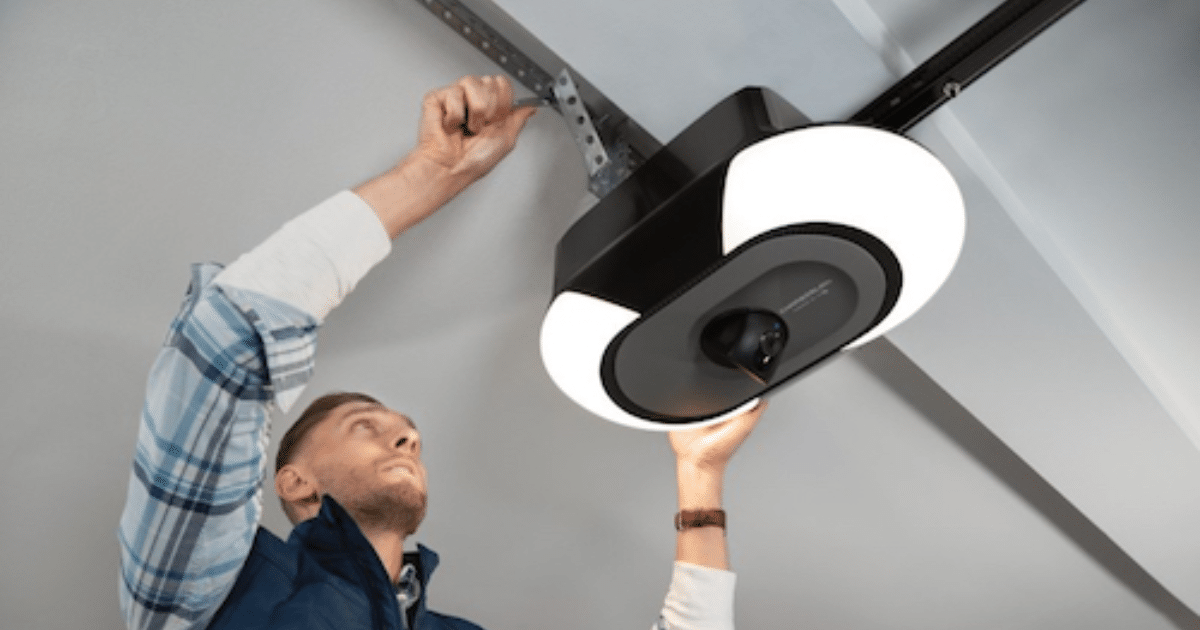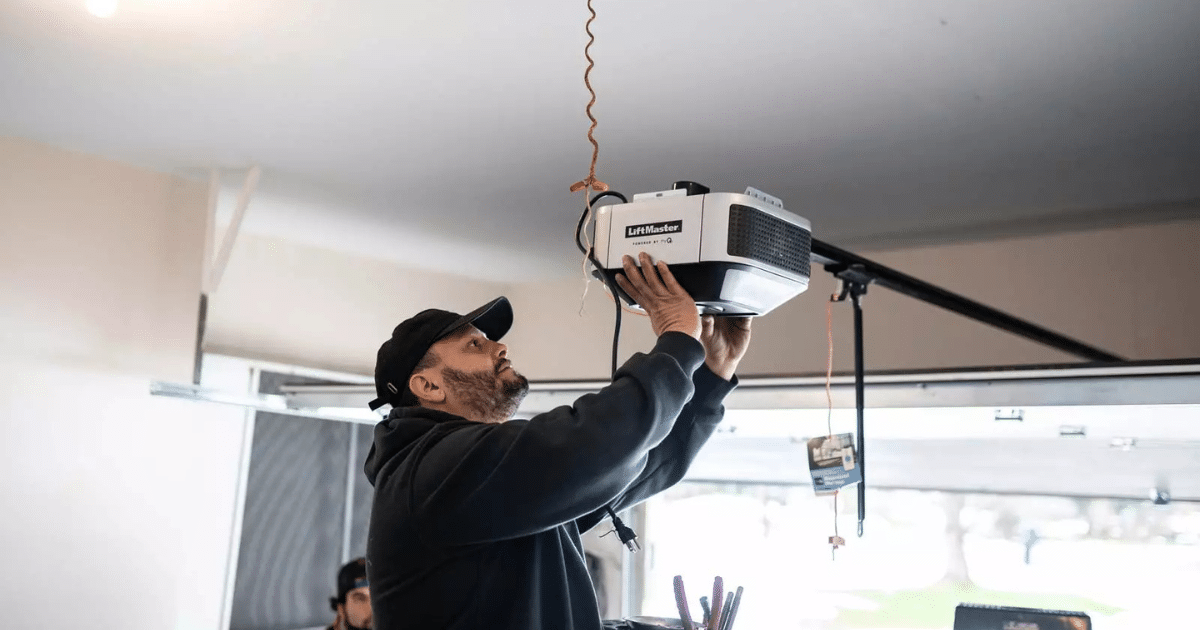
A smart garage door opener communicates with a home network to send status updates, respond to commands, and connect with mobile apps or other smart home devices. When Wi-Fi errors appear, the system is usually signaling that something is interrupting communication between the opener, the router, or the connected platform.
Learning what these signals represent can help homeowners understand how their garage system interacts with the network and why alerts sometimes appear during everyday use. In some cases, repeated error signals may also indicate underlying issues that eventually require professional garage door repair to restore consistent operation.
Why Do Wi-Fi Errors Appear on a Smart Garage Door Opener?
Wi-Fi alerts usually appear when the smart garage door opener detects interruptions in communication between the opener, the home router, and the connected smart platform that manages remote commands and activity updates.
Common situations that may cause these alerts include:
- The Wi-Fi signal reaching the garage becomes weak due to distance or structural barriers.
- The router temporarily loses connection during network resets or power outages.
- Multiple smart devices connected to the same network compete for bandwidth.
- The smart garage door controller struggles to authenticate with the network.
- Firmware compatibility issues affect how the garage door opener communicates with the router.
To understand how connection issues are diagnosed and resolved, read our guide on Smart Garage Door Opener Wi-Fi Troubleshooting: Quick Fixes, which explains common causes of Wi-Fi disruptions and how they affect system connectivity.
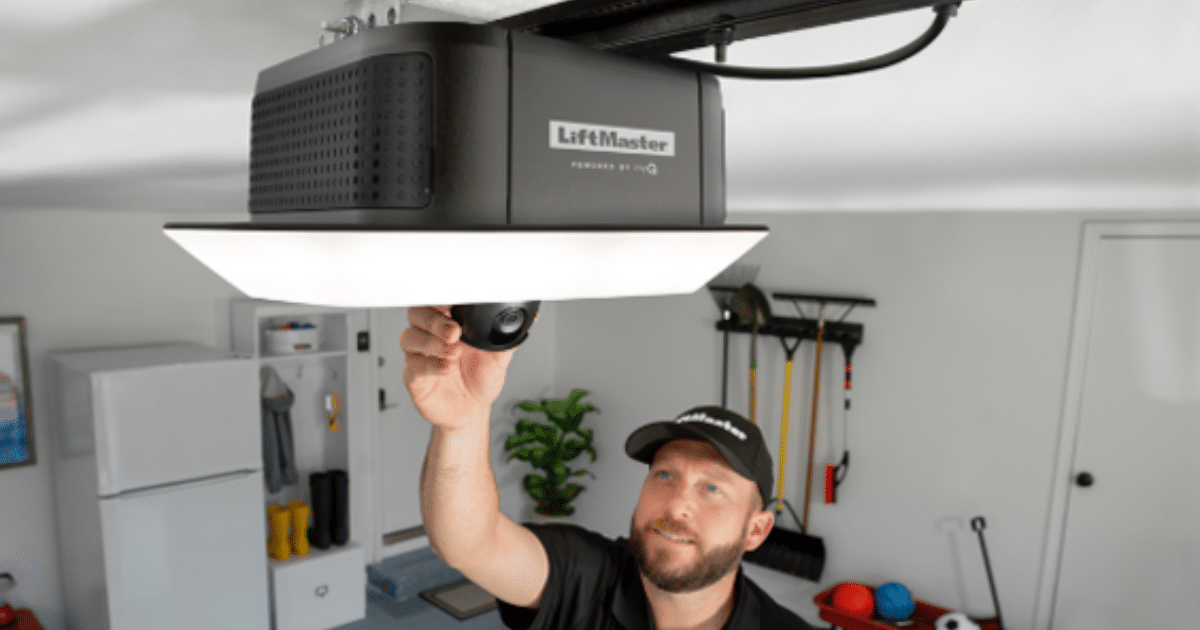
Smart Garage Door Opener Wi-Fi Error Meanings
No LED Light and Power Failure
An inactive indicator light on a smart garage door opener often signals that the system has not started its Wi-Fi setup cycle during startup.
Power-related behavior may include the following signs:
- Indicator light remains completely dark after startup.
- No blinking sequence appears during network setup attempts.
- Smartphone setup cannot detect the smart garage door opener.
- The control panel does not respond during system initialization.
- Connection attempts stop before the Wi-Fi configuration stage begins.
Lack of any LED light, blinking pattern, or beep indicates that the smart garage door opener is not receiving electrical power.
Blinking Blue Light and Wi-Fi Network Detection Failure
Wi-Fi setup for a smart garage door opener includes a network-scanning stage in which the system searches for an available Wi-Fi connection.
Network scanning patterns often include the following behaviors:
- LED flashes blue continuously without any beep confirmation.
- Repeated scanning occurs while the opener searches for nearby networks.
- The router name fails to appear during setup in the mobile app.
- Entered Wi-Fi credentials, but did not complete the pairing sequence.
- Setup cycles restart while the system searches for a stable signal.
Chamberlain indicates that a blinking blue LED means the opener cannot connect to the home Wi-Fi network, preventing the device from communicating with the myQ app or server.
Solid Blue Light and Mobile Device Pairing Failure
The setup process for a smart garage door opener includes a device-pairing stage where the system attempts to communicate with a mobile device.
Device-pairing behavior may include the following patterns:
- LED remains solid blue, with no confirmation beep.
- Smartphone setup pauses while attempting to detect the device.
- Bluetooth or temporary pairing fails to transfer network credentials.
- Configuration does not advance to the Wi-Fi connection step.
- Restarting the mobile setup repeats the pairing attempt.
A solid blue LED without a beep indicates that the smart garage door opener cannot establish a connection to a mobile device during setup.
Blinking Blue and Green Lights and Router Connection Attempts
Router communication becomes the next step once the smart garage door opener detects a nearby Wi-Fi network.
Router-related activity may show the following patterns:
- LED alternates between blue and green during connection attempts.
- One short beep sounds as the opener retries router communication.
- Network credentials appear accepted, but verification does not complete.
- Connection attempts restart while the router remains visible.
- Authentication pauses before the system moves to internet access.
According to Chamberlain, blinking blue and green LED indicators mean the smart garage door opener cannot connect to the home Wi-Fi router during setup.
Blinking Green Light and myQ Server Communication Error
Once the smart garage door opener connects to the router, the system attempts to communicate with the myQ cloud server to complete setup.
Server-related activity may show the following behaviors:
- The LED blinks green repeatedly after the Wi-Fi connection completes.
- Two short beeps follow a failed attempt to communicate with the cloud.
- Mobile app shows the opener as offline despite active Wi-Fi.
- Remote commands sent through the app fail to activate the door.
- Smart home integrations stop updating door activity.
Blinking green LEDs accompanied by two beeps indicate that the smart garage door opener cannot connect to the myQ internet server.
Solid Green Light and Device Not Added to myQ Account
Account registration represents the final step before a smart garage door opener becomes fully accessible through the myQ app.
Account-related setup behavior may include the following indicators:
- The LED remains solid green during the final configuration stage.
- Three long beeps confirm successful communication with the server.
- Mobile app prompts request account verification.
- Remote commands remain inactive during registration.
- Automation features remain unavailable until account linking is complete.
Three long beeps with a solid green LED indicate that the opener is connected to the myQ server but has not yet been added to a myQ account.
How Wi-Fi Errors Affect Smart Garage Door Features
Wi-Fi errors can interrupt how a smart garage door opener communicates with connected apps, automation systems, and remote monitoring tools.
Common smart garage door functions that may be affected include:
- Remote control through the smartphone app may become unavailable, cutting off access to the garage door from outside the home.
- Real-time activity notifications may stop updating when the opener cannot send status signals over the network.
- Voice assistant integration, where commands from devices like Google Home or other smart speakers may not activate the door opener.
- Automation routines inside a smart home system, including scheduled door operations linked to daily routines.
- Connected monitoring tools, such as cameras or smart garage door controllers, that rely on Wi-Fi to transmit updates.
Because many smart garage door features rely on stable network connectivity, Wi-Fi errors can temporarily interrupt remote access, automation, and monitoring.
Network Issues That Trigger Wi-Fi Errors
Wi-Fi errors often occur when a smart garage door opener struggles to maintain a stable connection to the home network.
Common network conditions that often trigger Wi-Fi errors include:
- Weak signal strength in the garage, especially when the router is far from the opener or separated by walls and ceilings.
- Wireless interference from nearby networks or smart devices, which can disrupt communication between the opener and the router.
- Heavy internet traffic occurs when multiple connected devices compete for bandwidth simultaneously.
- Outdated router firmware or settings may interfere with communication between modern smart devices and the network.
- Incorrect Wi-Fi configuration, such as unsupported frequency bands or restricted device permissions.
To identify the common causes behind these connection failures, read our guide on Why Won’t My Smart Garage Door Opener Connect to Wi-Fi? which explains the network conditions that can prevent the opener from connecting properly.
Preventing Wi-Fi Errors in Smart Garage Systems
Wi-Fi reliability plays a key role in how consistently a smart garage door opener connects with mobile apps, automation tools, and other smart home devices.
Steps that help prevent Wi-Fi errors in smart garage systems include:
- Improving Wi-Fi coverage in the garage, especially when the router is located far from the garage area or blocked by walls.
- Placing the router in a more central location, which allows the wireless signal to reach garage spaces more consistently.
- Reducing wireless interference, particularly from nearby networks, large appliances, or multiple smart devices operating on the same channel.
- Keeping router firmware up to date helps maintain compatibility with modern smart home technology.
- Checking Wi-Fi settings and network compatibility to ensure the system supports the smart opener’s frequency band.
Consistent signal coverage, updated network settings, and reduced wireless interference help support stable connectivity for smart residential garage door systems.
Repair vs Replacement for Smart Garage Door Opener Wi-Fi Problems
Smart garage door Wi-Fi problems may sometimes be resolved with minor system adjustments, while other situations may require replacing outdated hardware or incompatible components.
Situation | When Smart Garage Door Opener Repair May Be Enough | When Smart Garage Door Opener Replacement May Be Needed |
Intermittent connection errors | Resetting the opener, reconnecting it to the home network, or updating the mobile app may restore communication. | Persistent connection failures after repeated resets may indicate outdated internal Wi-Fi hardware. |
Weak signal in the garage | Adjusting router placement or improving Wi-Fi coverage may help the opener reconnect normally. | Older openers without modern wireless capability may require upgrading to a newer smart system. |
App communication problems | Re-syncing the opener with the smart home platform or reconnecting the controller can restore remote access. | Systems that no longer support updated mobile apps may need to be replaced. |
Compatibility with new smart home devices | Updating firmware or reconnecting the opener to the smart home network may restore integration. | Older models may not support newer smart platforms or voice assistants. |
Repeated connectivity errors | Checking router settings or reconnecting the opener to the network may resolve configuration conflicts. | Ongoing Wi-Fi errors across multiple networks may indicate failing internal components. |
To review a common step homeowners often consider before deciding between repair and replacement, read our guide on How to Reset the Wi-Fi on a Smart Garage Door Opener, which explains how resetting the system can restore network communication.
Take Action When Wi-Fi Errors Appear on Your Smart Garage Door Opener
Wi-Fi errors in a smart garage door opener can disrupt remote access, automation features, and smart home communication. When these alerts persist, a professional inspection can help determine whether the issue is due to network conditions, system compatibility, or opener hardware.
All About Doors provides professional smart garage door opener service in Glen Burnie, MD, to restore reliable wireless connectivity. Contact us or give us a call today to schedule an inspection and get your smart garage door opener working properly again.