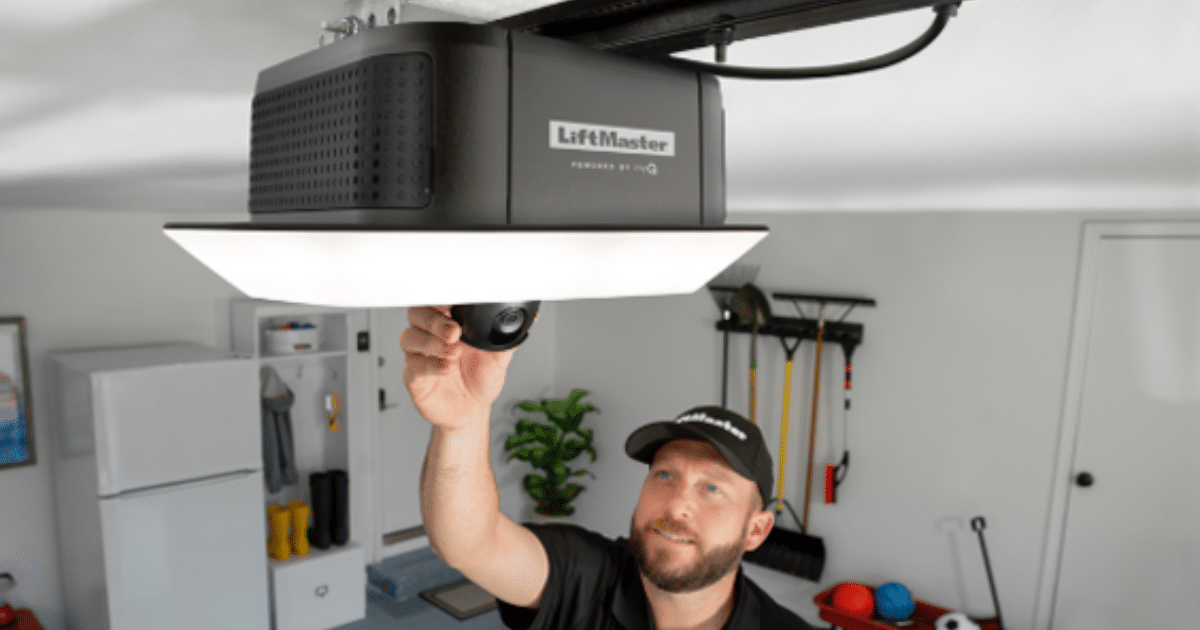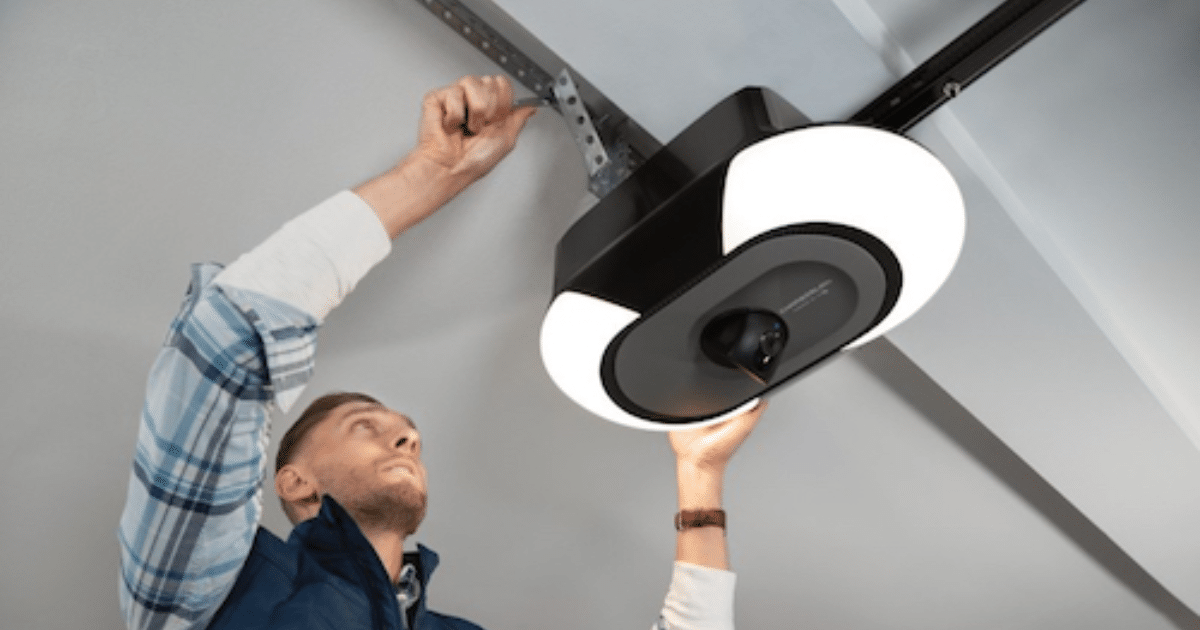
A smart garage door opener allows homeowners to control their garage door through a smartphone app, voice assistant, or smart home system, adding convenience and improved home monitoring. When Wi-Fi problems arise, the opener may disconnect from the network, preventing remote access and disrupting the daily convenience these connected systems are designed to provide.
Understanding the common causes of connection issues can help homeowners determine whether the problem stems from weak Wi-Fi coverage, device settings, or system compatibility. In some situations, ongoing connection failures may signal a hardware issue that requires professional garage door repair to restore proper operation and maintain smooth performance of the opener system.
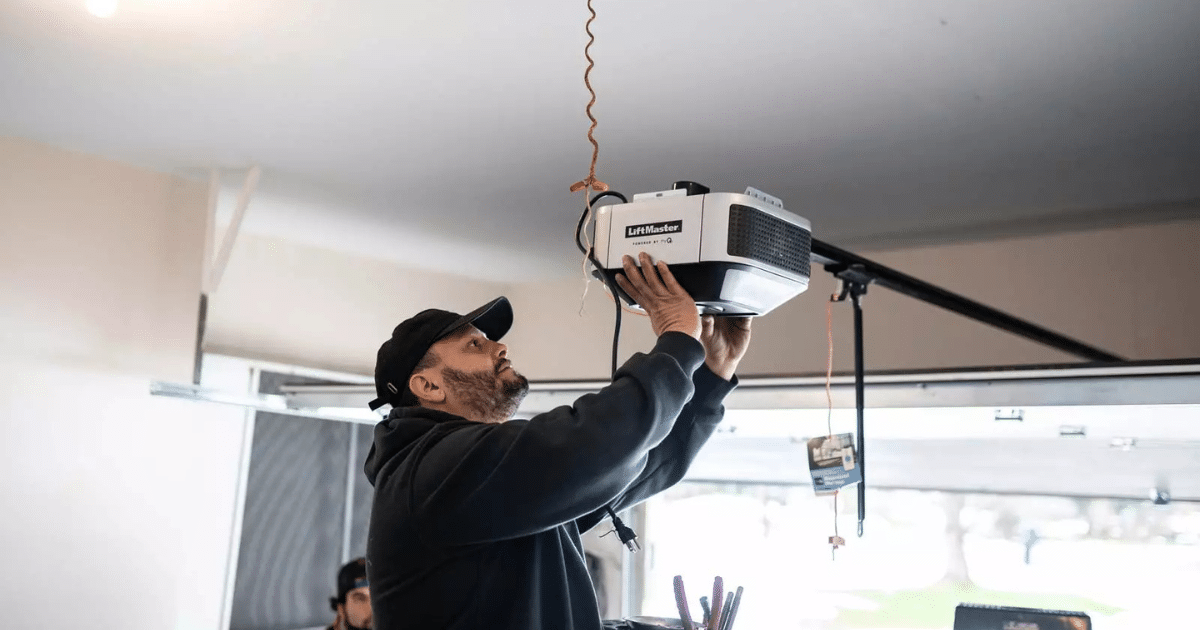
What Causes a Smart Garage Door Opener to Lose Wi-Fi Connection?
A smart garage door opener may disconnect from Wi-Fi when signal interference, router placement, or network configuration issues interrupt communication between the opener and the home network.
Common factors that may interrupt Wi-Fi communication include:
- Weak wireless coverage inside the garage, especially when the router is located far from the door opener.
- Structural barriers such as insulated walls, metal garage doors, or framing materials that interfere with wireless signals.
- Network congestion occurs when multiple smart devices are connected to the same router.
- Firmware updates that temporarily interrupt communication between the opener and the smartphone app.
- Router security settings or network compatibility conflicts that affect smart Wi-Fi openers.
To understand how these issues affect connectivity, read our guide on Why Won’t My Smart Garage Door Opener Connect to Wi-Fi?, which explains the most common causes of these failures.
Signs Your Smart Garage Door Opener Has a Wi-Fi Connection Problem
A smart garage door opener often shows warning signs when Wi-Fi communication weakens, affecting remote access, mobile alerts, and smart home connectivity.
Common signs that your opener may be experiencing a Wi-Fi connection problem include:
- The opener appears offline in the smartphone app, preventing remote commands or status updates.
- Commands sent through the app or voice control respond slowly or fail to activate the garage door opener.
- Indicator lights on the opener blink or change color, signaling a network or pairing issue.
- Mobile notifications stop appearing when the garage door opens or closes.
- Smart home platforms such as Google Home or Apple HomeKit lose communication with the device.
To identify what these signals mean and how they relate to connectivity issues, read our guide on What Wi-Fi Errors Mean on a Smart Garage Door Opener, which explains the indicators homeowners often notice before a connection fails.
Quick Fixes for Smart Garage Door Opener Wi-Fi Problems
Check the Garage Wi-Fi Signal Strength
Weak wireless coverage often interrupts communication between a smart garage door opener and the home network, preventing reliable remote commands and mobile alerts.
Signal conditions worth reviewing include:
- Wi-Fi signal bars on a smartphone drop significantly inside the garage area.
- Garage walls, metal garage door panels, or insulation weaken wireless signals.
- Router placement near the center of the home limits coverage reaching the garage.
- Multiple smart home devices competing for bandwidth slow network response.
- Network performance improves noticeably when standing closer to the router.
Stable network coverage allows smart garage door openers to maintain consistent communication with the mobile app and connected smart home systems.
Restart the Router and the Smart Garage Door Opener
Temporary communication interruptions between a door opener and the router can disrupt remote access, which makes a quick restart one of the most effective troubleshooting steps.
Common restart checks include:
- Power cycling the router to refresh the home network connection.
- Turning off the garage door opener and restoring power after several seconds.
- Allow the router to fully reconnect before reopening the smartphone app.
- Rechecking whether remote commands operate the automatic garage door as expected.
- Confirming that app notifications return once the network reconnects.
Network resets often restore communication between connected smart devices and the opener after temporary router disruptions.
Confirm Network Compatibility With Smart Wi-Fi Openers
Older routers or outdated network settings can interfere with how smart Wi-Fi openers communicate with a smart home system and mobile applications.
Compatibility conditions to evaluate include:
- Router firmware that runs older software and limits communication with modern openers.
- Wireless security settings that block connections from new smart devices.
- Home networks using unsupported Wi-Fi bands.
- Network encryption that prevents proper pairing between the opener and router.
- Smart home platforms failing to recognize the garage door controller.
The Federal Communications Commission highlights that router placement, Wi-Fi congestion, and outdated equipment can disrupt device communication and reduce home network performance.
Update the Opener Firmware or Mobile App
Software updates help maintain communication between the smart garage door opener, the mobile smartphone app, and connected smart home integration platforms.
Update indicators may include:
- App notifications requesting firmware updates for the opener.
- Mobile software updates affecting myQ app connectivity.
- Smart home automation routines that fail after system updates.
- Voice commands through a voice assistant stop unexpectedly.
- Security updates that modify the opener’s code.
Updated software helps maintain compatibility between smart garage door openers and evolving smart home devices.
Verify Device Pairing During Smart Camera Garage Door Opener Installation
Incorrect network pairing during smart camera garage door opener installation can prevent the opener from communicating properly with the home router or mobile app.
Pairing problems may appear through:
- Incorrect Wi-Fi credentials entered during setup.
- Camera-enabled openers that disconnect from the network during installation.
- Router signal interruptions during the link between the opener and the smart home system.
- Device pairing failures affecting the garage door controller.
- App setup steps skipped during initial installation.
According to the Chamberlain Group, connecting the integrated camera in the myQ app requires selecting the home Wi-Fi network and entering the correct password so the opener can complete pairing and communicate with the system.
Inspect Electrical Power and Control Board Connections
Electrical interruptions or unstable power supply can disrupt communication between a smart garage door opener, its internal control board, and the home network.
Operational conditions worth checking include:
- Loose wiring connections inside the opener housing.
- Power fluctuations caused by power outages affect system electronics.
- Weak battery backup units that limit overall system performance.
- Internal hardware strain that affects overall opener performance.
- Aging electronics inside older opener systems.
Electrical stability supports consistent communication between the opener, the smart garage door controller, and connected mobile devices.

When Wi-Fi Problems May Indicate Hardware Issues
Persistent connectivity problems with a smart garage door opener sometimes point to internal component wear that affects how the opener communicates with the home network and connected smart devices.
Situations that may indicate hardware-related connectivity problems include:
- Damage to the control board that interferes with communication between the opener and the Wi-Fi network.
- Failing antennas inside the opener that reduce signal transmission to the router.
- Internal electronics that wear out after years of consistent operation.
- Repeated disconnections even after router resets, firmware updates, and network troubleshooting.
- System alerts or malfunction indicators that appear alongside irregular door operation cycles.
To restore network communication and reconnect the opener to the home network, read our guide on How to Reset the Wi-Fi on a Smart Garage Door Opener, which explains the reset steps commonly reviewed during troubleshooting.
How Homeowners in Glen Burnie, MD Can Prevent Wi-Fi Problems
Maintaining strong network coverage and keeping connected equipment up to date can help a smart garage door opener maintain stable communication with the home Wi-Fi network.
Practical steps homeowners in Glen Burnie can take include:
- Position the home router closer to the garage or add a Wi-Fi extender to strengthen signal coverage.
- Keep the firmware and the smartphone app updated so the smart garage door opener remains compatible with modern smart home devices.
- Reduce network congestion by limiting the number of unnecessary devices connected to the same Wi-Fi network.
- Schedule routine garage door service to confirm the opener, wiring, and control board maintain consistent system performance.
Consistent network maintenance and regular equipment checks help homeowners maintain reliable connectivity and support the smooth operation of connected smart residential garage doors.
Smart Garage Door Opener Wi-Fi Troubleshooting Help for Glen Burnie Homeowners
A smart garage door opener depends on a stable Wi-Fi connection for remote access, mobile alerts, and smart home control. Troubleshooting common connection issues early can help restore communication and keep your garage door opener working smoothly.
All About Doors helps homeowners in Glen Burnie, MD, resolve connectivity problems and improve the performance of modern smart garage door openers. If your system keeps losing Wi-Fi or needs expert inspection, contact us or give us a call today to help restore reliable access to your smart garage system.