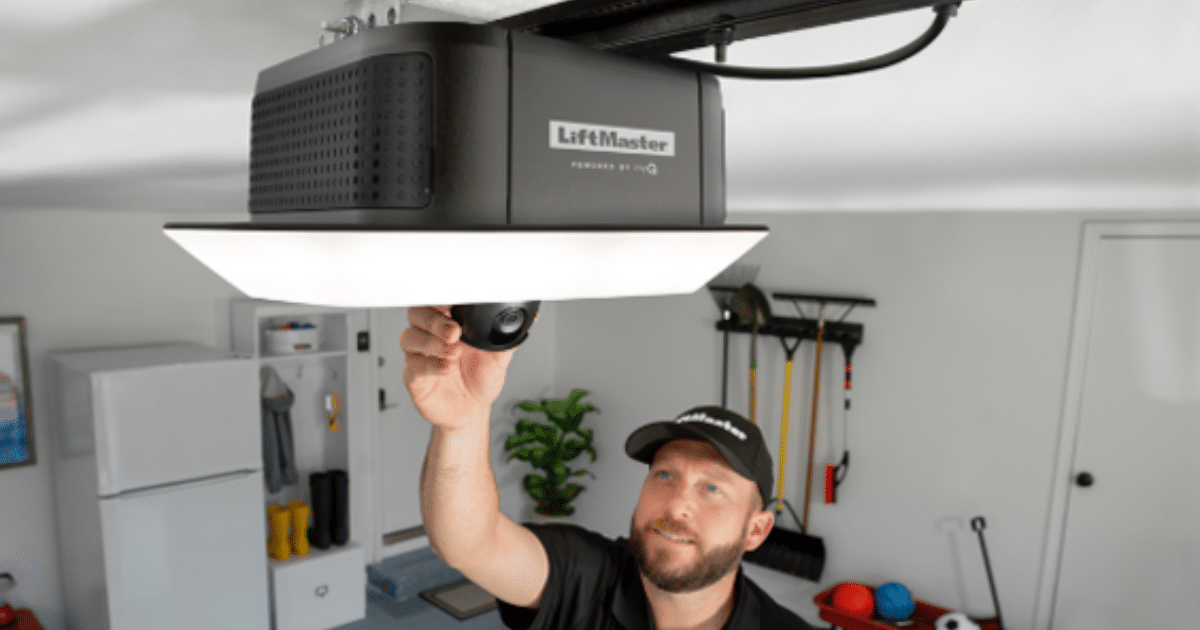
A smart garage door opener relies on a stable wireless connection to communicate with your home network and enable remote access through a smartphone app or smart home system. When that connection is interrupted, the garage door may still operate normally but lose important smart features such as remote monitoring and alerts.
Wi-Fi connection problems often result from signal limitations, router compatibility issues, or configuration conflicts within the home network. In some situations, persistent connectivity failures may indicate a hardware issue that requires professional garage door repair to restore proper communication between the opener and the network.
Is Your Garage Wi-Fi Strong Enough for a Connected Garage System?
A smart garage door opener relies on steady wireless coverage to communicate with your home network, and when the signal weakens inside the garage, the opener may lose connection even as the garage door system continues to operate.
Common conditions that can weaken Wi-Fi coverage in a garage include:
- The router is located far from the garage area, reducing signal strength before it reaches the opener.
- Walls, ceilings, or metal garage door panels interfere with wireless signals traveling through the home.
- Detached garages increase the distance between the router and the garage door controller.
- Multiple smart devices connected to the same network create congestion that affects communication.
- Older routers may struggle to support several connected smart home devices.
To understand how these connection issues affect system communication, read our guide on Smart Garage Door Opener Wi-Fi Troubleshooting: Quick Fixes, which explains common network problems that interrupt smart garage door connectivity.
How a Smart Garage Door Opener Communicates With Your Home Network
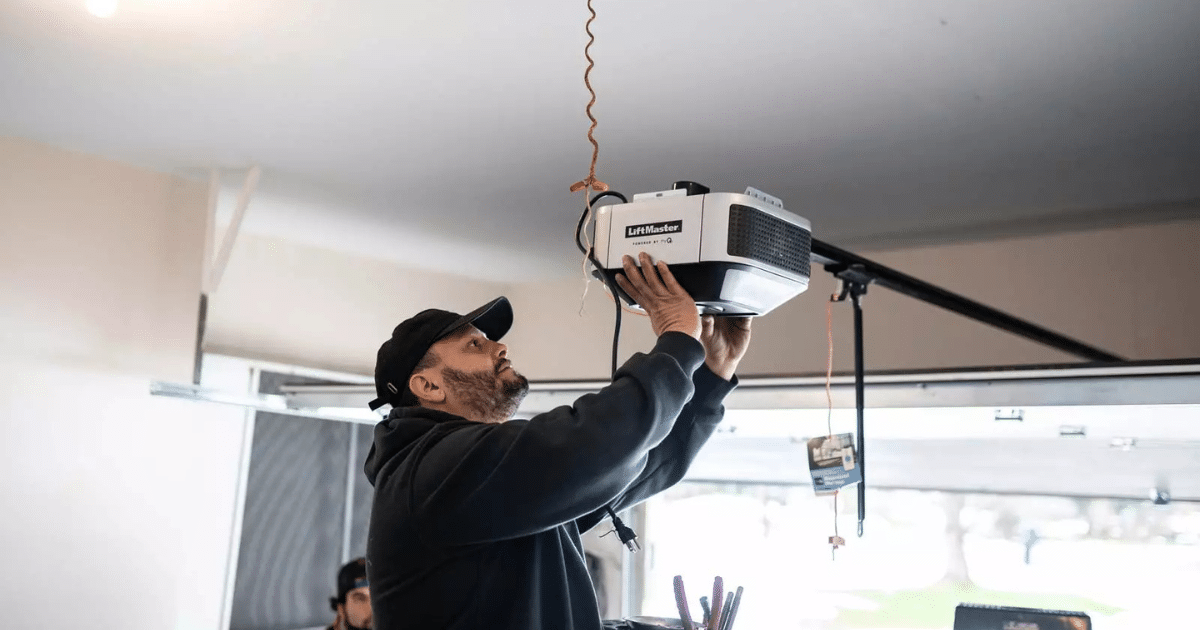
A smart garage door opener connects to your home network wirelessly, allowing it to receive commands from a smartphone app, voice assistant, or smart home platform.
Key components that allow the opener to communicate with your network include:
- Wi-Fi connection between the opener and the router, allowing the garage door opener to send and receive signals over the home’s Wi-Fi network.
- A smartphone app interface that lets homeowners monitor the garage door, control remote access, and manage user access from mobile devices.
- Cloud-based communication systems, where commands from the mobile app travel through secure servers before reaching the garage door controller.
- Smart home integration platforms that allow the opener to respond to voice control commands via systems like Google Assistant, Apple HomeKit, or Google Home.
Understanding how these communication systems work helps explain why network interruptions, router issues, or compatibility limitations can affect the performance of a connected smart garage door opener.
Common Reasons a Smart Garage Door Opener Cannot Connect to Wi-Fi
Weak Wi-Fi Signal Reaching the Garage
Limited wireless coverage often prevents a smart garage door opener from maintaining steady communication with the home network.
Signal issues commonly appear in situations such as:
- A router located deep inside the house reduces wireless coverage in the garage area.
- Brick walls, insulation layers, or metal garage door panels weaken Wi-Fi signals before they reach the opener.
- Detached garages increase the signal travel distance between the router and the smart garage door controller.
- Multiple smart home devices connected to the same network slow wireless communication.
Signal-strength issues often interrupt remote access and delay commands sent from a smartphone app to the garage door opener.
Incorrect Network Credentials During Setup
Connection setup problems may occur if the opener stores incorrect Wi-Fi information during installation.
Common setup mistakes include:
- Entering an incorrect Wi-Fi password during device pairing.
- Selecting the wrong network when several Wi-Fi networks are available.
- Switching routers without reconnecting the opener to the new network.
- Attempting to set up while the smartphone is temporarily disconnected from the home network.
Pairing errors during installation frequently prevent the opener from completing network authentication and communicating with the router.
Router Compatibility or Security Settings
Certain router configurations can block a smart garage door opener from communicating with the home network.
Network conditions that can interfere with connectivity include:
- Router security settings that restrict communication with smart home devices.
- Network isolation features that prevent connected devices from interacting with each other.
- Router firmware updates that remove previously authorized smart devices.
- Guest network restrictions that limit device authentication.
The Federal Communications Commission notes that router configuration and Wi-Fi band usage can affect how devices connect and communicate on a home network.
Outdated Firmware on the Opener System
Older firmware can prevent a smart garage door opener from connecting with modern routers or cloud platforms.
System update problems may involve:
- Firmware versions that no longer support current network encryption standards.
- Software updates required for smart home integration features.
- Mobile app updates that stop recognizing outdated opener firmware.
- Compatibility limitations between older openers and modern routers.
Firmware updates help maintain communication between connected garage systems and evolving smart home technology.
Mobile App or Account Synchronization Problems
Account communication errors may interrupt the connection between the opener and the mobile platform.
App-related issues sometimes include:
- Login authentication errors that block device communication.
- Account permissions that prevent user access from certain devices.
- Cloud server interruptions affecting remote access commands.
- Smartphone app updates that change device connection settings.
Communication interruptions between the mobile platform and the opener often appear as offline status alerts in the smartphone app.
Interference From Other Wireless Devices
Wireless interference can disrupt signals traveling between the router and a smart garage door opener.
Signal disruptions frequently originate from:
- Nearby routers that transmit on the same wireless channel.
- Smart home devices that compete for network bandwidth.
- Security cameras or baby monitors use similar frequencies.
- Cordless phones or household electronics that affect signal stability.
Wireless interference from nearby electronics can weaken the signal between the router and a smart garage door opener, disrupting communication within the home network.
Garage Door Opener Hardware Limitations
Older opener models may struggle to connect to modern smart home networks due to outdated hardware.
Hardware limitations often include:
- Control boards lacking compatibility with current wireless security protocols.
- Internal Wi-Fi modules designed for older network standards.
- Limited processing capacity within aging opener electronics.
- Compatibility restrictions with modern smart home platforms and voice assistant systems.
Chamberlain indicates that Smart Garage Control works with garage door openers manufactured after 1993, meaning older opener hardware may not support modern smart connectivity.
Why Wi-Fi Connection Problems Are Common in Glen Burnie, MD
Wi-Fi connection issues can occur more frequently in Glen Burnie homes due to property layouts, building materials, and network coverage limitations that affect how wireless signals reach garage areas.
Local conditions that often contribute to connectivity problems include:
- Detached garages common in many Glen Burnie neighborhoods, increasing the distance between the router and the garage door opener.
- Older home construction materials, such as brick or dense insulation, that weaken wireless signals before they reach the garage.
- High neighborhood network activity, where multiple nearby routers operate on the same Wi-Fi channels.
- Router placement inside the home may limit signal coverage for garage spaces located at the edge of the property.
Local housing layouts and materials used in residential garage doors can influence how wireless signals travel, which helps explain why a smart garage door opener may struggle to maintain stable Wi-Fi communication in Glen Burnie homes.
Signs Your Garage Network Setup May Be Causing the Connection Problem
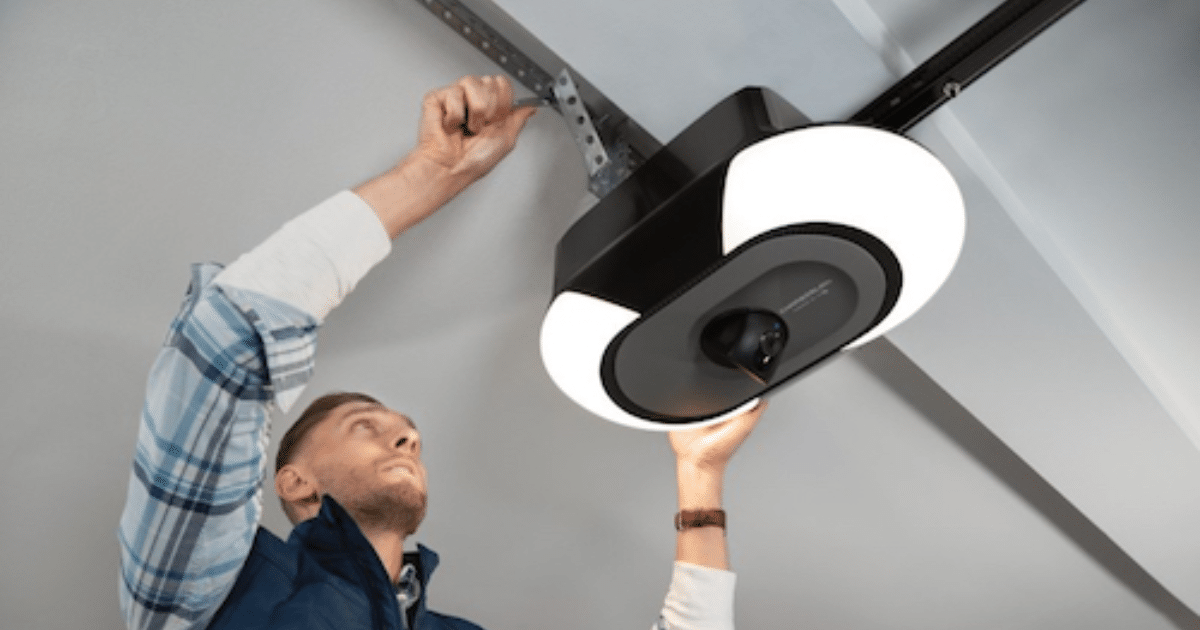
Certain network conditions can prevent a smart garage door opener from maintaining a stable connection with the home Wi-Fi system.
Indicators that the garage network setup may be affecting connectivity include:
- Delayed response from the smartphone app, where commands take longer than expected to reach the garage door opener.
- Frequent offline status notifications indicate the opener is disconnecting from the Wi-Fi network, even though the garage door still operates.
- Intermittent remote access failures, where the door opener works locally but cannot respond to mobile commands.
- Connection drops during daily operation, especially when multiple smart devices are active on the same network.
Recognizing these connection symptoms can help identify when the garage network environment is affecting communication between the router and a smart garage door opener.
When to Repair and Replace a Smart Garage Door Opener
Ongoing connectivity issues can sometimes indicate whether repairing the opener or replacing the system is the more practical solution.
Factor | Smart Garage Door Opener Repair | Smart Garage Door Opener Replacement |
System condition | Minor communication faults in the Wi-Fi module or control board | Severe hardware limitations that prevent smart connectivity |
Age of opener | Relatively newer opener still compatible with modern networks | Older units that cannot support modern smart Wi-Fi openers |
Smart features | Smartphone app functions still operate occasionally | System lacks support for smart home integration and voice assistants |
Connectivity behavior | Intermittent connection loss caused by repairable components | Frequent disconnections due to outdated internal electronics |
To determine how specific connection alerts reveal underlying system problems, read our guide on What Wi-Fi Errors Mean on a Smart Garage Door Opener, which explains common Wi-Fi signals linked to opener communication issues.
How to Reduce Wi-Fi Connection Problems in Garage Door Systems
Stable network conditions help a smart garage door opener maintain consistent communication with the home Wi-Fi system.
Practical measures that can help reduce connection problems include:
- Placing the router closer to the garage area, which improves signal coverage and strengthens communication with the garage door opener.
- Keeping router firmware and smart opener software up to date keeps devices compatible with newer network security protocols.
- Reducing network congestion, especially when multiple smart home devices share the same wireless network.
- Checking signal coverage inside the garage, particularly in detached garages where wireless signals travel farther.
To restore network communication when connection errors persist, read our guide on How to Reset the Wi-Fi on a Smart Garage Door Opener, which outlines how network resets help reestablish stable connectivity.
What to Do When Your Smart Garage Door Opener Won’t Connect to Wi-Fi
Connection problems with a smart garage door opener often occur when weak Wi-Fi coverage, router configuration issues, or aging opener hardware interrupt communication with the home network. Recognizing these conditions early helps homeowners maintain remote access, smart-home integration, and consistent garage-door operation.
All About Doors helps homeowners in Glen Burnie, MD, diagnose connectivity issues, evaluate smart opener upgrades, and restore the reliable performance of their garage door systems. If your smart garage door opener will not stay connected to Wi-Fi or your garage door needs attention, contact us or give us a call today to schedule professional service.